
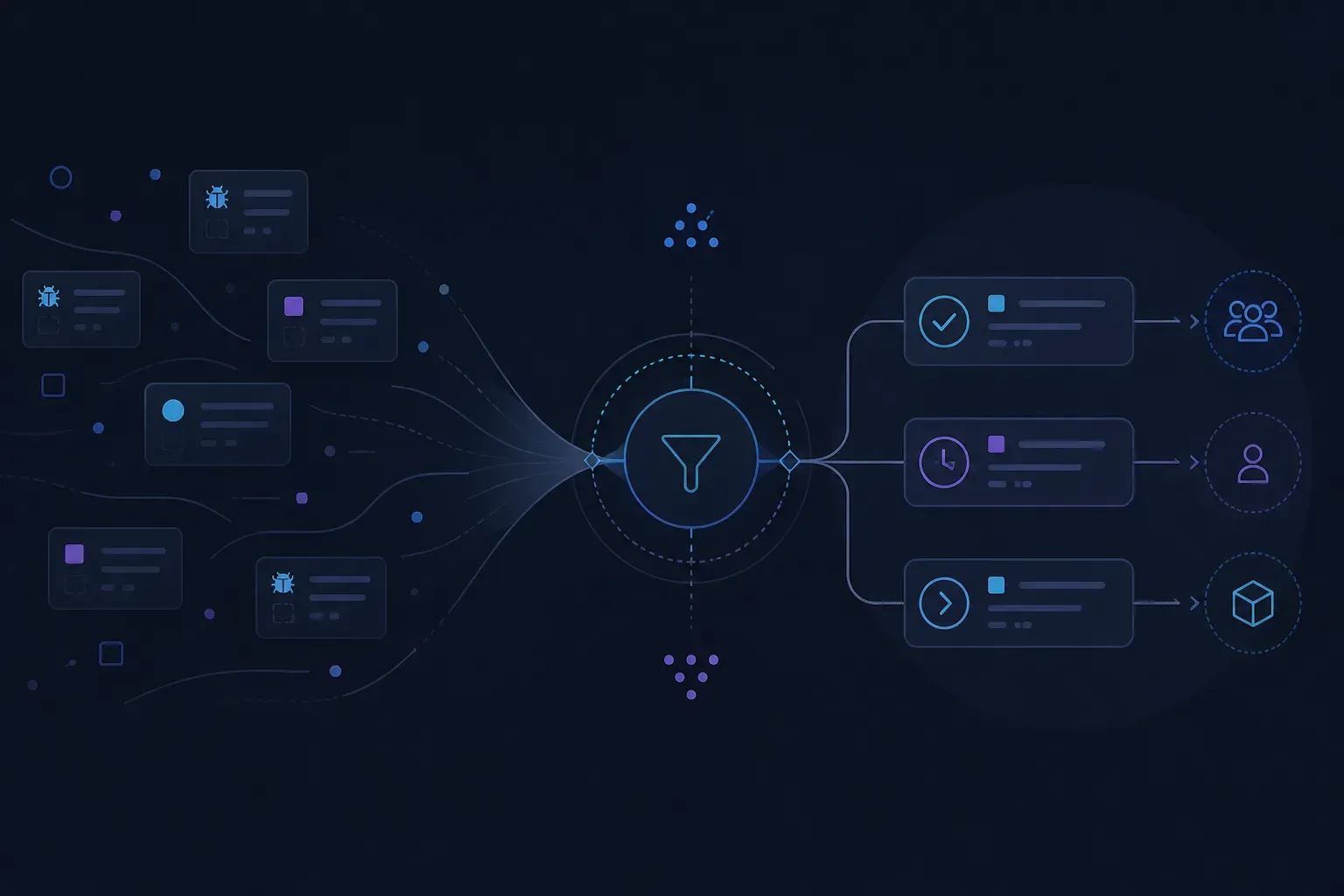
Bug triage is the recurring decision about which reported bugs get worked on, in what order, and by whom. It sits between a bug being reported and a bug being scheduled, and its actual job is subtraction: most reports should leave triage closed, merged into another report, or explicitly deferred, and only some should leave with an owner. A triage process that mostly produces “we’ll look at it” has not triaged anything.
Two things make it work or fail, and neither is the meeting itself. The first is whether the reports arriving are good enough to decide on. The second is whether anyone in the room has the authority to close things.
When you need this, and when you do not
If you receive a few bug reports a week and everyone on the team reads all of them, you do not need a process. You need a shared list and five minutes on Fridays. Formal bug triaging earns its overhead somewhere around the point where no single person sees every incoming report any more.
It also assumes reports are arriving from more than one place — customers, support, internal testing, crash tooling. A single well-labelled queue from one source usually sorts itself.
The two decisions triage actually makes
Every bug that comes through gets two independent verdicts, and conflating them is the most common way triage goes wrong.
Severity vs priority
Severity is a property of the bug: how badly does this break the product for whoever hits it? Priority is a property of your plan: how soon are you going to fix it?
They come apart constantly, and the interesting cases are the ones where they diverge:
High severity, low priority
A hard crash, but only on a browser version two customers use. Terrible when it happens. Not this sprint.
Low severity, high priority
A typo in the pricing table. Nothing breaks. It is on the page every prospect reads, so it ships today.
High both
Checkout fails for a fifth of users. This is the case everyone imagines triage is about, and it is the rarest.
Low both
Misaligned icon on an admin screen. The honest outcome is closing it, not filing it behind 400 others.
Jira treats these as separate fields for exactly this reason, shipping default priority levels of Highest, High, Medium, Low and Lowest. Whatever tracker you use, keep the two apart. A single “importance” field collapses a judgement about the product into a judgement about the schedule, and you lose the ability to ask the only question that matters in the room: given that this is bad, are we doing anything about it now?
Priority inflation is the failure mode to watch. If more than roughly a fifth of your open bugs are High or above, the field has stopped carrying information and triage has become a queue with decoration. The fix is not a new label — it is closing things.
Bug category, and why it is worth the field
Severity and priority are the bug prioritization half of the job — they say how much you care and how soon. A bug category answers a different question: what kind of problem is this — crash, data loss, visual defect, performance, content. It earns its place because it routes: crashes go to the platform team, content goes to whoever owns the copy, and neither needs to be discussed in a meeting.
Categorise on the way in, not in the room. Anything that can be decided by one person reading the report should never reach a group.
Running the triage
flowchart TD
    A[New report] --> B{Reproducible from the report?}
    B -->|No| C[Ask once, then close as cannot reproduce]
    B -->|Yes| D{Duplicate?}
    D -->|Yes| E[Merge into the original]
    D -->|No| F[Set severity and category]
    F --> G{Fixing it in this cycle?}
    G -->|Yes| H[Owner plus a date]
G -->|No| I[Close with a stated reason]- Set a cadence that matches inflow. Weekly for a handful of reports; daily where fifty arrive a day. If the bug triage meeting routinely overruns, the cadence is wrong, not the agenda.
- Keep the room to three or four. Someone who can commit engineering time, someone who knows customer impact, someone who can say what the bug technically involves. Everyone else is an audience, and an audience turns a decision into a status update.
- Merge duplicates before the meeting. One person, in advance. Reading the same bug four times is the single largest waste of a triage session.
- Give every item one of three outcomes. Owner and date, merged, or closed with a reason. Nothing leaves in an undecided state — that is what created the backlog you are now trying to work through.
- Close deliberately, using a real resolution. Jira ships default resolutions including Done, Won't do and Duplicate, with values such as Cannot reproduce and Known error available depending on the applications installed. Use them. "Closed" with no reason teaches everyone that closing means hiding.
- Timebox to thirty minutes. If the queue does not fit, the answer is more frequent triage or more aggressive closing, not a longer meeting.
If you are configuring a tracker to support this, note that Jira Cloud enforces hard maximums from September 2026 — 150 workflows per workflow scheme, 200 workflow statuses per workflow, and 100 priorities per space. Atlassian distinguishes these mandatory limits from guardrails, which are recommended data thresholds that can be exceeded at the cost of performance. You are unlikely to approach 100 priorities, and if you are, that is the finding.
What actually breaks
Reports you cannot decide on. This is the big one, and it is upstream of triage entirely. A report saying “checkout is broken” with no build, no steps and no environment cannot be given a severity, so it gets deferred, and deferred items accumulate until the queue is an archive. Teams respond by adding required fields to the bug form, which reduces the number of reports without improving them.
The meeting becomes a status update. Symptom: people describe work in progress instead of deciding on new items. Cause: the room is too big, or nobody in it can close anything. Both are fixable in one meeting by shrinking the group.
The backlog nobody will ever read. A queue past a few hundred open bugs is not a plan, it is a record of decisions deferred. The only way out is a closing pass — bulk-close everything older than a threshold with a stated reason, and let anyone who disagrees reopen. It feels irresponsible and it is the responsible option.
Triage without customer impact in the room. Engineering can rank by severity. Only support and product know that the low-severity bug is the one three enterprise accounts have mentioned this month.
What can be automated, and what cannot
The mechanical parts of triage are genuinely automatable now, and several vendors ship it.
Gleap’s bug tracker workflow connects in-app reports to an inbox and support handoff, tracking status, severity, customer impact, duplicates and related support conversations. It goes further than classification: for each confirmed bug it assembles developer-grade context — title, severity, replay, logs, network trace, environment, reproduction path, customer impact and support history — and can hand that to Kai Code, its native AI coding agent, which reads the report, correlates it with the codebase, plans changes and opens pull requests. Confirmed work can also be sent out to external tools such as Jira and GitHub. On pricing, a Pylon comparison page describes Gleap Team as a flat $149 per month with unlimited seats and token-based AI usage, and Gleap’s own product page lists its Kai Resolve support product at $299 per month.
That is the shape of the category now, and it is worth understanding what it does and does not remove. Duplicate detection, severity suggestion and summarising a report are pattern-matching problems, and software is good at them. Deciding what to fix is a judgement about your customers, your roadmap and your capacity this month. Automating the first set makes the second decision faster. Nothing automates the second one, and a tool that claims to is describing a default, not a decision.
There is also a privacy consequence to automating over report contents, and it is worth planning for rather than discovering. Gleap’s own session replay guidance warns that replay is powerful precisely because it captures detailed user journey context, which is what makes privacy controls essential — and recommends masking sensitive fields, avoiding recording secrets, limiting who can view replays, defining retention rules, and telling users what is captured. If your reports carry screenshots and network state into a model, those five things are your checklist too.
Fixing the input instead of the meeting
Most triage problems are report-quality problems wearing a process costume. If every report arrived with the build, the steps, the environment and a picture, the meeting would be short because the decisions would be obvious.
That is the part TraceItX addresses. Reports are filed from inside the app being tested — the person presses a bubble or a keyboard shortcut, annotates the screenshot, blurs anything sensitive, and sends — and what arrives is one AI-ready envelope carrying the annotated screenshot, console and network state, device and app context, and the trail of screens and actions that led to the bug. The reproduction path is captured whether or not the reporter thought to write it down, which is the specific thing that makes a report decidable. AI triage runs on every report to suggest severity, flag duplicates and summarise, so the mechanical pass is done before anyone opens the queue.
Two limits worth knowing before you plan around it. There is no native Jira, Linear or GitHub Issues app — reports arrive as signed webhooks and someone writes the receiver that maps them into your tracker. If you want triage happening inside Jira next week with no engineering time, a tool built around that integration will get you there sooner. And on the web, TraceItX supports React only; there is no framework-agnostic build.
The AI triage allowance is 50 reports a month on the free tier and 200 credits on Starter, which you can read on pricing. If triage is currently a meeting about what people meant rather than what to do, wiring the reporter into one build and running a fortnight of reports through it will tell you quickly whether the input was the problem.
Start with the closing pass
If you take one thing from this: run a closing pass before you redesign anything. Bulk-close the old queue with stated reasons, shrink the room to the people who can decide, and give every new item an owner, a merge or a close on the day it arrives.
The process is easy. Subtraction is the hard part, and it is the whole job.